
What is Google AI Studio?
Google AI Studio is an advanced, browser-based Integrated Development Environment (IDE) specifically designed for prototyping and experimenting with generative AI models. This innovative platform empowers developers to rapidly iterate on various models and prompts, streamlining the process of creating AI-powered applications.
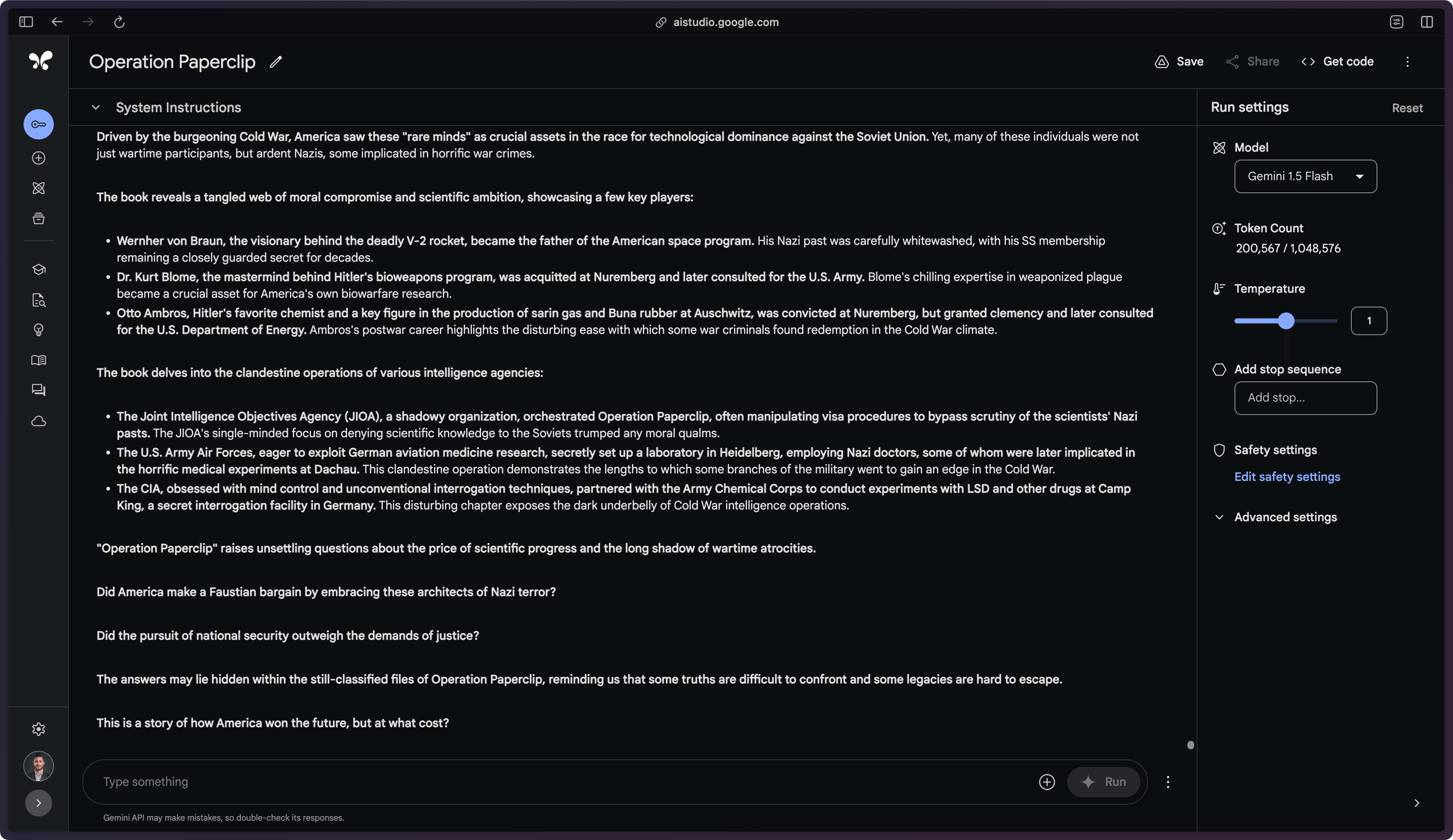
Google AI Studio has supported successive generations of Gemini models as Google releases them. Early releases included Gemini 1.0 Pro, Gemini 1.5 Pro with its long context window, Gemini 1.5 Flash, and the open-weight Gemma models; Google has continued to add newer Gemini model versions to the platform since. Legacy PaLM 2 model access was removed in early 2024, though fine-tuned Bison models remain accessible. These models cater to various use cases, from standard language tasks to complex, long-context applications.
-
Rapid prototyping — Provides a browser-based IDE for quick experimentation with generative AI models.
-
Access to Gemini models — Offers access to Google's next-generation multimodal AI model, Gemini.
-
Multiple prompting interfaces — Supports various prompting techniques, including chat, structured, and freeform prompts.
-
SDK export — Allows users to export their prototypes to code in their preferred programming language.
-
Multimodal capabilities — Enables developers to work with text, images, and other data types using Gemini's multimodal understanding.
Google AI Studio serves as a bridge between conceptualization and implementation for generative AI projects. Developers can move from experimentation to production by exporting their prototypes into functional code that calls the Gemini API, which reduces the time and effort required to bring AI-driven ideas to life.
The platform offers a user-friendly interface with customizable prompts suited for a wide array of use cases, along with safety settings intended to support responsible AI development. These features are meant to help developers work with Gemini models while maintaining data security and ethical standards.
Google AI Studio integrates with Google's wider AI ecosystem: developers can obtain API keys directly from the platform for use in larger applications, and for projects requiring more comprehensive AI infrastructure, Google AI Studio offers a path to Vertex AI, Google's fully-managed AI platform. That transition allows for deeper customization of Gemini models, along with additional data control and Google's safety, privacy, and compliance features.
Beyond model development, Google AI Studio provides tools for building and managing extensions, enabling developers to create generative AI applications that deliver real-time information, integrate proprietary company data, and perform actions on behalf of users.
How does Klu.ai compare to Google AI Studio?
Klu.ai and Google AI Studio, including Google's Gemini models, are both AI platforms with distinct features and capabilities. Klu.ai focuses on multimodal processing and streamlined development, while Google AI Studio offers a broader ecosystem with Gemini models and integration with Google's AI infrastructure.
Klu.ai supports both text and image processing, and provides a development environment aimed at simplifying model deployment and reducing operational complexity. Klu.ai's platform allows for centralized model hosting, domain-specific fine-tuning, and scaling through its multi-tenant architecture. Klu.ai's automatic data analysis and labeling features are intended to support the model fine-tuning process.
Google AI Studio, powered by the Gemini family of models, supports natural language processing and code generation tasks. It supports a range of languages and provides a free, web-based interface for prototyping. Google AI Studio integrates with Vertex AI, offering a path to a fully-managed AI platform with additional customization options, data controls, and Google's safety and compliance features.
Klu.ai may appeal to developers seeking a more streamlined and flexible AI development experience, while Google AI Studio provides a prompt library and editor backed by Google's AI research and infrastructure. The choice between the two platforms depends on specific project requirements, development preferences, and the desired balance between ease of use and ecosystem integration.
What are some features of Google AI Studio?
Google AI Studio offers a range of features designed to facilitate the development of generative AI applications, including model customization.
-
Prototyping with Generative Models — Google AI Studio is a browser-based IDE that allows developers to quickly experiment with different models and prompts. Once a prototype is satisfactory, it can be exported to code in the developer's preferred programming language, powered by the Gemini API.
-
Multimodal Prompts — Google AI Studio provides several interfaces for prompts designed for different use cases. Developers can create prompts with text and images, which can be helpful for quickly testing prompts by generating multiple responses for a single input.
-
Safety Settings — Google AI Studio offers safety settings for managing model responses. These controls help ensure the security, privacy, and adherence to ethical standards.
-
API Key Generation — Developers can quickly develop prompts and then get an API key to use in their applications. This feature allows for easy integration of the developed models into applications.
-
Integration with Vertex AI — When developers need a fully-managed AI platform, they can transition from Google AI Studio to Vertex AI. Vertex AI allows for customization of Gemini with full data control and benefits from additional Google safety, privacy, and data governance and compliance.
-
Model Selection — Google AI Studio offers a selection of 3+ proprietary models and 1+ OSS and 3rd party models. Developers can choose the right model for their use case. Vertex AI Studio offers 40+ more in the model garden.
-
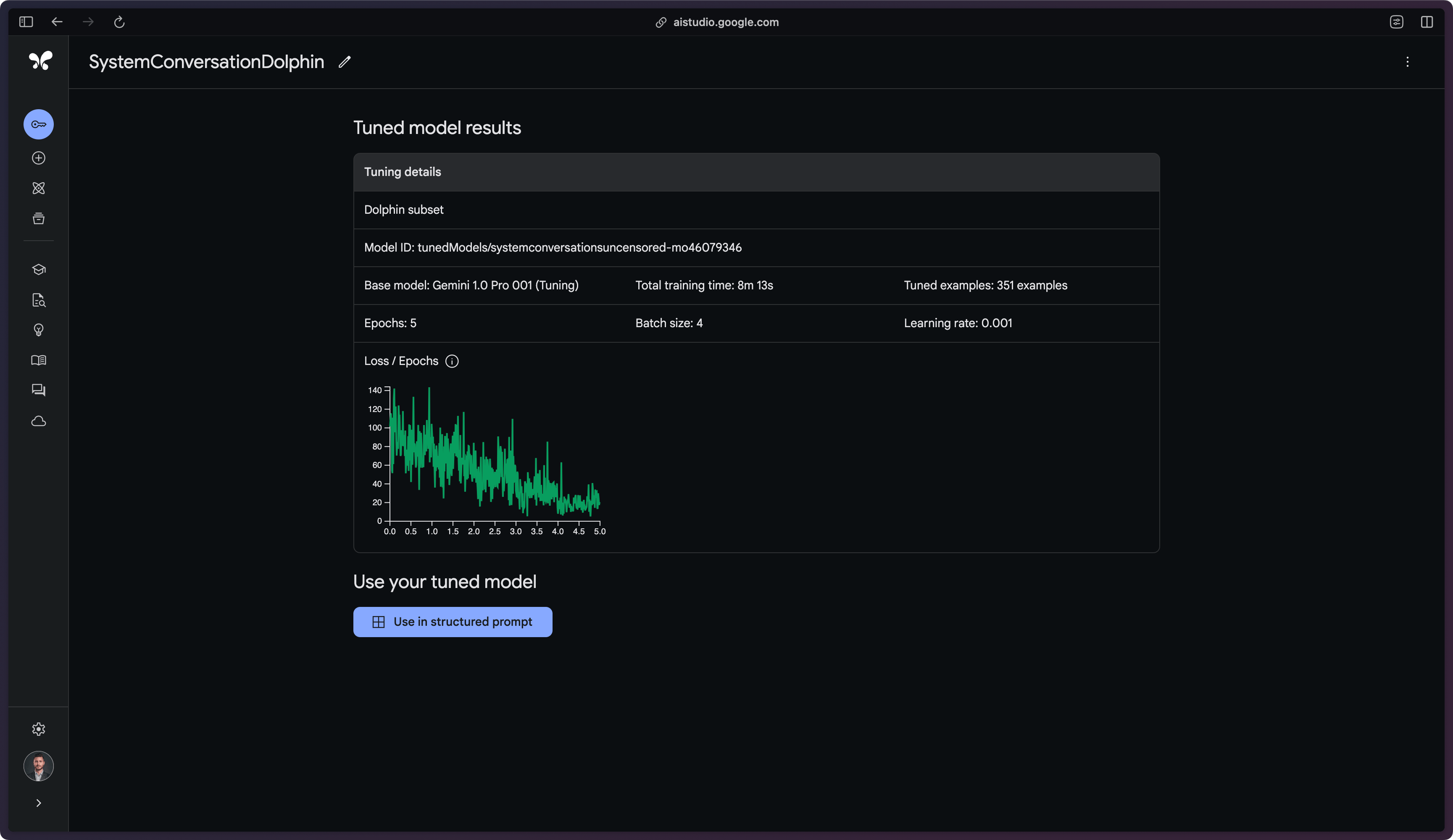
Model Tuning — Developers can improve the quality of model responses for their use case by tuning foundation models with their own data. Google AI Studio provides state-of-the-art tuning options like adapter tuning and Reinforcement Learning from Human Feedback.
-
Vertex AI Extensions — Google AI Studio provides a set of fully-managed tools for building and managing extensions. Developers can create generative AI applications that deliver real-time information, incorporate company data, and take action on the user's behalf.
-
Various Applications — Google AI Studio supports a variety of applications, including image generation, code chat, speech to text and text to speech, and various text applications.
Use Cases
Google AI Studio empowers developers to create diverse AI applications. It excels in building sophisticated chatbots with customizable personalities, generating multi-modal content for marketing and creative projects, and extracting structured data from various unstructured sources.
The platform's versatility allows for the development of tailored AI solutions that integrate proprietary data and real-time information, catering to specific business needs across industries.
By providing accessible tools for advanced AI development, Google AI Studio enables organizations to leverage generative AI for innovation and problem-solving efficiently.
Getting Started
Getting started with Google AI Studio requires a Google account sign-in for Gemini API access. Google provides free introductory training and a free tier for initial experimentation. As projects grow, resources can be scaled accordingly.
Google AI Studio serves both experienced and new developers. It offers tools for rapid prototyping, developing production-ready solutions, and utilizing generative models across various applications. The platform efficiently transforms AI ideas into reality, enabling users to harness cutting-edge AI technology for diverse projects.